
Crew app
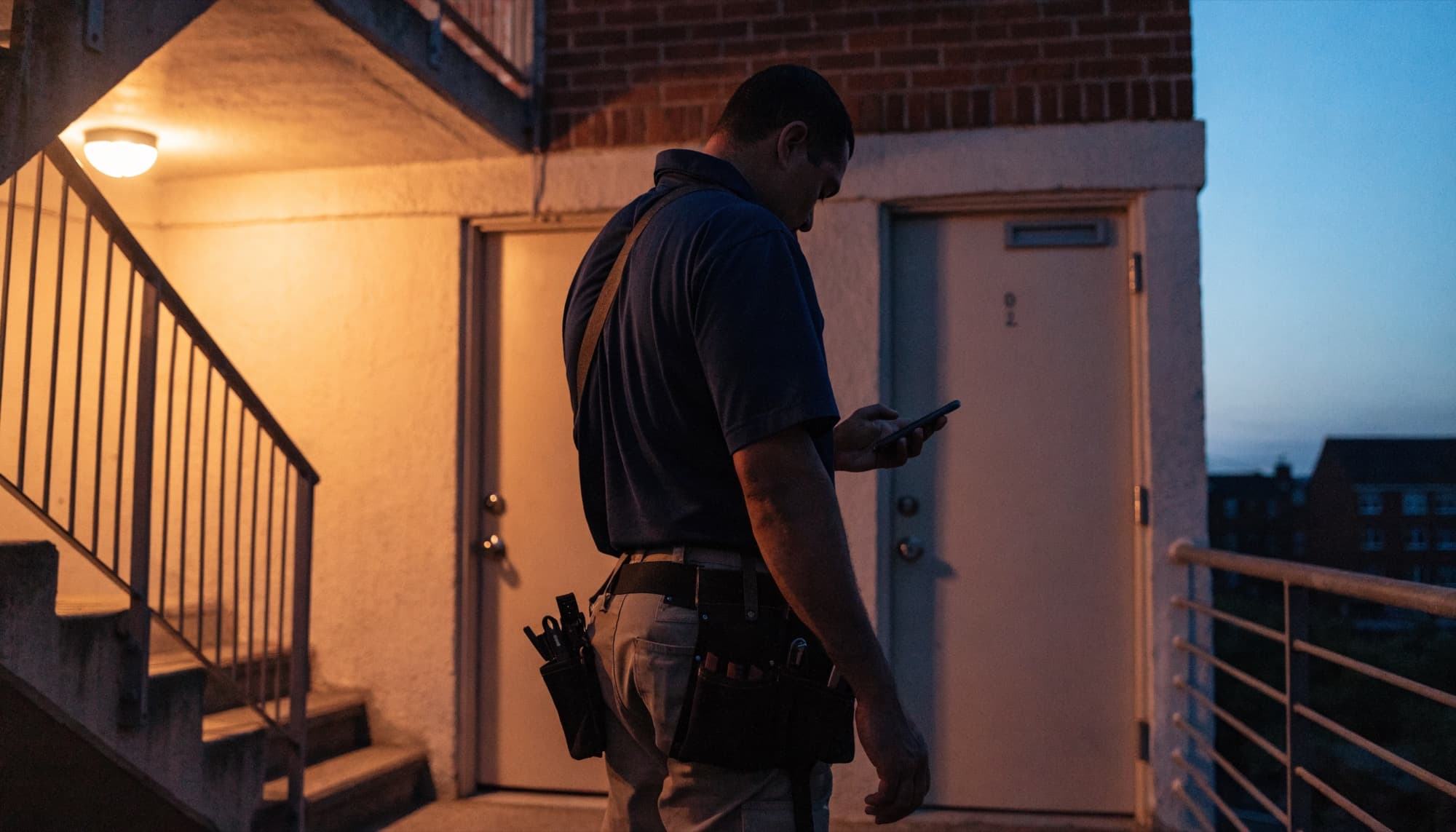
The crew works from their phone
Each technician sees today's jobs in order, ticks steps as they go, adds photos and can call the resident from the job. The board updates itself.
The crew app
Today's jobs, not the whole system.
A technician sees what they need and nothing else: the jobs, the steps, the resident's number and a place for photos.
- Jobs in the order they should be done
- Steps ticked as the work happens
- Call the resident from the job
TodayMarco · 5 jobs
D-107Urgent
Outlet sparking, living roomC-310High
Dishwasher not drainingA-118
Replace bedroom blindsMore in Crew app
Own logins
Each technician signs in as themselves.
Photos on the job
Evidence attached where the office and owners can see it.
Resident contact
The number is on the job, and stays off owner reports.
The property's clock
Today means today where the building is, not on a server.
Questions operators ask
Does it need an app store download?
No. It opens on the phone's browser and can be added to the home screen.
Can vendors use it?
Vendors receive their jobs; your own team uses the crew app.
Can technicians see every job in the system?
No. They see their own jobs for today, and nothing an owner or the office does not need them to.